Black and White Tweak Guide (Page 5/6)
Posted: April 21th, 2001
Written by: Tuan "Solace" Nguyen
Advanced Game Tweaks (cont.)
Reflections of Landscape: This option let’s the surrounding landscape be reflected on objects that reflect light like the surrounding ocean. From my experience, reflections can slow down any game when things get hairy.
Lighting on Object: Use this option if you want objects to cast light into the world. Lighting will make use of alpha blends and could hurt frame rate. Turn this off option off if you’re in real need of frame rates.
Shadows on Object: This option is the same as Shadows on Landscape except now it controls whether shadows are rendered on objects such as building and people. The same preference should be taken for this option.
Reflection on Object: Again, reflections call for some extra rendering power and should be used only if you know you’ve got what it takes. You can leave this setting on though as there are rarely any scenes where reflections play a pivotal role in a way an object looks. That said, you could turn it off for performance as well.
Draw Distance: This slider lets you control how far into the distance Black and White will render. If you have a powerhouse graphics card, slide it all the way up. Leave it at the bottom if you’re not sure. I find that the default setting works really well. This is one setting you can experiment with but it does affect frame rate.
Weather FX: Use this option to turn on effects such as rain. This option doesn’t really affect performance by that much so leave it on for cool effects. Everything else under Weather/Special FX is self-explanatory and affects performance accordingly.
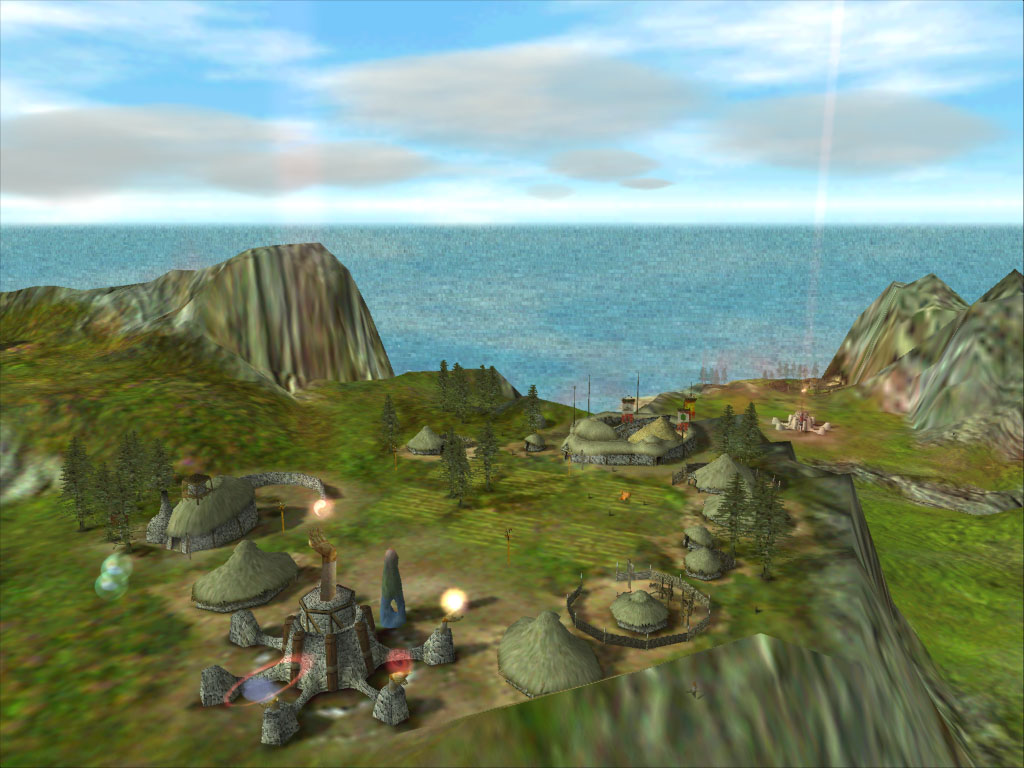
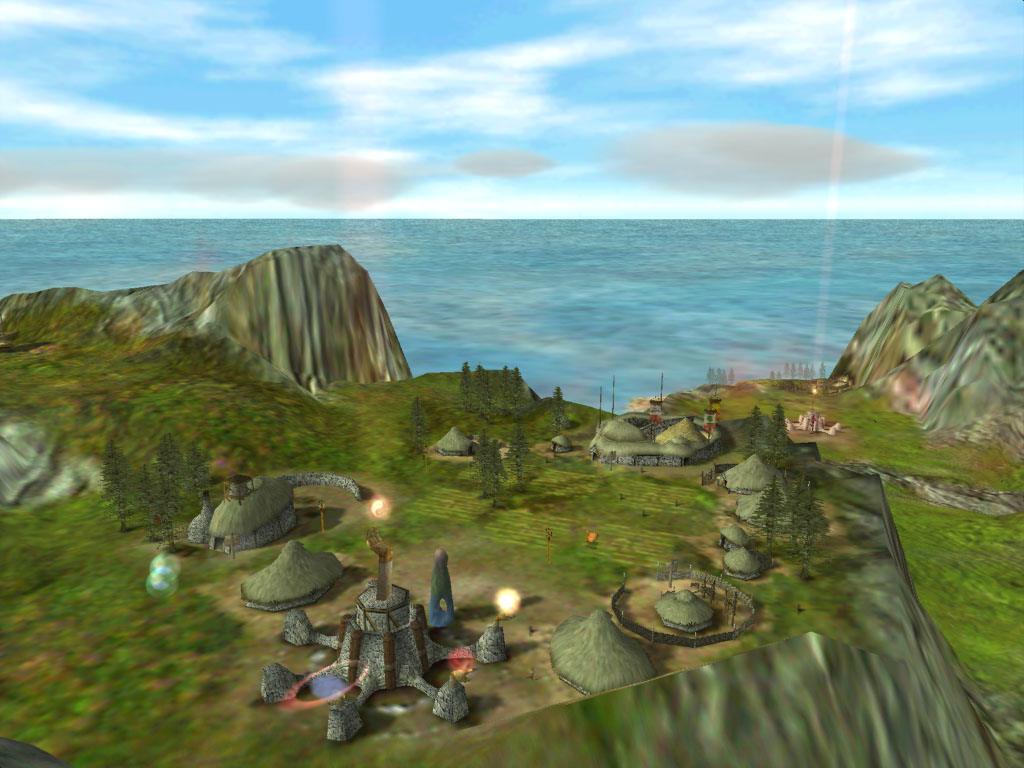
Water Tiling: This option enables effects in the ocean such as waves and current. You’ll see that the higher you set this setting, the more the ocean will look like it’s made up of small tiles. Personally, I don’t think the water looks very realistic if this setting is turned off. If you have power to spare, turn this setting to max for nice sparkly looking water. You’ll be spending most of the time on land area so feel free to leave this setting off for performance. Here are two pictures showing Water Tiling off, and on:
Left: Water Tiling On Right: Water Tiling Off
Click each image for full size images
Shadow Maps: This option enables Black and White to correctly render shadows on curves and angles in the environment. If you have any other shadow option enabled, enable this one as well. If not, turn this option off.
Light Glows: This option makes use of alpha blending to make light seem to radiate into the environment rather than just being a dull spark off of an object. I didn’t notice a lot of glowing object on the screen at the same time so leave this setting on for effect.
Volume Lighting: This option is available when you are inside your temple. The temple is an extremely detailed environment even though it’s indoors. Since you’re outside most of the time, put this setting on so the temple looks nice and... temple-like. This setting gives a nice dark and eerie look inside the temple but can really chop up the frame rates when you're inside it.
Reflections: Since the temple interior is highly detailed and contains highly reflective objects, enabling this setting on a half decent card is not a good idea. If you have a GeForce or higher, feel free to enable it to your heart’s content. Be warned though, the temple scene is a speed hamper. I suggest leaving this off for optimum performance.
Next Page