

Posted: March 13th, 2003
Written by: Adam Honek
Installation
Installation itself is very much aided by a proper documented manual leading the user via simple steps through the entire process. Assembly can require some patience but otherwise is relatively simple to perform in a short time of anything up to 15 minutes; we performed it on an Nvidia Ti4600 chipset based card. Initially it is required to remove the current heatsink/fan unit present on the card, normally these extract without a fuss as they are usually held on via small clips. Any old thermal grease should also be cleaned off making the GPU surface ready for installing the new Zalman cooler. Depending on the how the holes surrounding the GPU are located a suitable heatsink block needs to be fastened on using tiny supplied screws and nuts. Zalman's own thermal grease or that of other manufactures should be applied onto the GPU before fully attaching the heatsink block. The heatsinks are marked with arrows indicating the direction in which they should be successfully installed. Getting this far marks about half the installation work complete, next thermal grease needs to be applied on sections of the heatsink blocks that will later make contact with the heatpipe. Sliding the heatpipe into place is easier done than said, we must make sure it is properly aligned; if the heatsink blocks were previously out of line now is the time it will matter most. Any adjustments should be made before proceeding further, once everything is properly aligned the two front and back big heatsinks can be screwed on via four small screws either side of the card. This last step acts both as a heatsink extension absorbing GPU heat to its full while at the same time holding the heatpipe firmly in place. We found the installation process to be a somewhat delicate task requiring perhaps a little user patience so do offer yourself time and a well lit environment for execution.


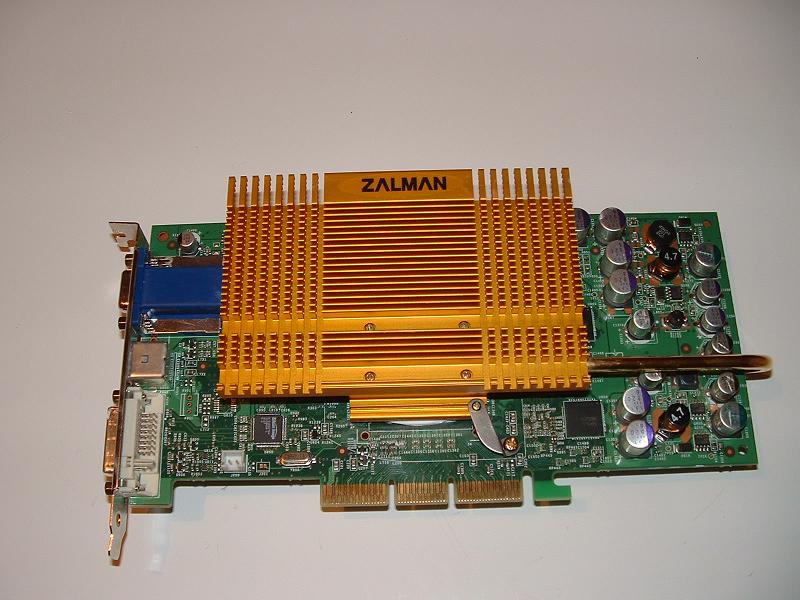
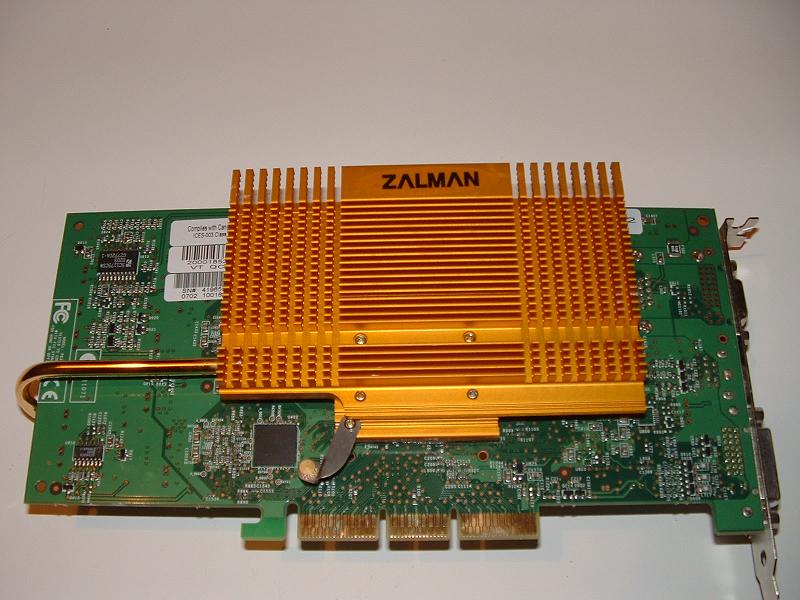
Conclusion This product will automatically appeal to those wanting to reduce the noise in their systems, if this happens to be you then this cooling device should be on your shopping list. The only two gripes one may have are disabling the use of a neighboring PCI slot and being out of luck should the PCB design of your card be not suited for installing this device which we will recall is highly unlikely. This cooler installs via screws so it is easily moved over to a new graphics card should someone decide to upgrade however bare in note it is not suitable for new GeforceFX based cards. For the latter Zalman plans to soon release a new model specifically addressed at bringing the noise down on these loud designs. In closing the Zalman ZM80A-HP brings you a silent, efficient and well constructed cooling system that has the potential to deliver all key features at a relatively small price of $35. Pro's - Quiet cooling - Not bad looks - Can be reused easily - Ability to easily screw on fans Con's - Quite heavy - Quite bulky Overall rating: 90% Return Home